How to Design a Custom Jersey from Scratch: Complete Beginner's Guide
Learn how to design your first custom sports jersey step by step. Covers choosing a sport template, adding team logos, names, numbers, colors, and placing your order with confidence.
Jordan Reeves
Brand Experience Strategist at RareCustom. BFA in Graphic Design from Parsons School of Design with 8+ years helping brands craft visual identities. Specialist in color theory, layout composition, and design systems.
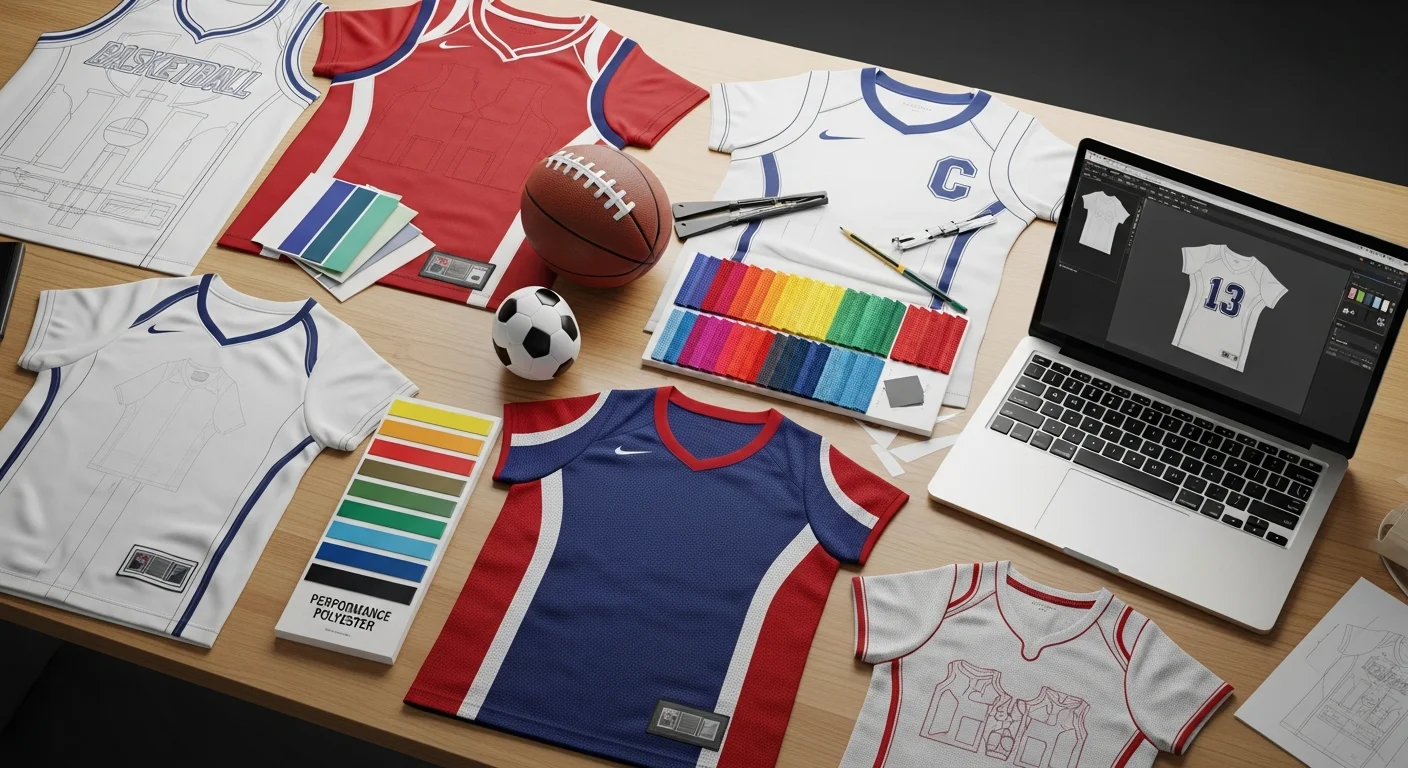
Designing a custom jersey feels exciting — until you open a blank canvas and realize there are dozens of decisions to make. Which sport template do you pick? Where do the numbers go? What fabric works for outdoor versus indoor play? This guide walks you through every step so your first custom jersey turns out sharp, professional, and ready for game day.
Unlike designing a custom t-shirt or hoodie, a jersey has sport-specific requirements. Number placement, collar style, sleeve length, and even fabric weight all change depending on whether you are creating basketball, football, baseball, or soccer jerseys. Getting these details right from the start saves you time, money, and a lot of back-and-forth revisions.
Step 1: Choose Your Sport Template
Every sport has its own jersey silhouette. Basketball jerseys are sleeveless with deep armholes for unrestricted shooting. Football jerseys have wider shoulders and reinforced seams. Baseball jerseys can be button-front or pullover. Soccer jerseys tend to be lightweight with a fitted cut. Start by selecting the correct sport template in the design tool — this locks in the right proportions, print zones, and collar options automatically.
If you are ordering for a multi-sport organization, such as a school athletic department, you will want a cohesive design system that adapts to each sport. Use consistent colors and logo placement while adjusting the template per sport. Check our sport-by-sport jersey guide for detailed requirements by sport.

Step 2: Set Your Color Palette
Most teams need at least two jersey colorways: a home (dark) and an away (light). Pick your primary team color first, then choose a complementary accent color for numbers, stripes, and side panels. Keep contrast high between the jersey body and the numbers — officials and fans need to read numbers from a distance.
Stick to three colors maximum. Gradients and patterns can add flair, but the most professional-looking jerseys keep it clean. If you are ordering sublimated jerseys, you get unlimited colors at no extra cost, so gradients become more practical. For screen-printed jerseys, each additional color adds cost.
Step 3: Add Your Logo, Names, and Numbers
Upload your team logo as a high-resolution file (300 DPI minimum, vector format preferred). Position it on the front left chest or center chest depending on your sport's norms. Then add player names across the upper back and numbers on both the front and back. Most leagues require numbers at least four inches tall on the back and two inches on the front.
For detailed typography guidance, see our best fonts for jersey designs post. The font you choose affects readability at a distance, which matters during fast-paced gameplay.
Step 4: Pick Your Fabric and Printing Method
Performance jerseys use moisture-wicking polyester mesh rather than the cotton or fleece you would find in custom sweatshirts. Mesh fabrics breathe better and dry faster, keeping players comfortable during intense play. Sublimation printing is the gold standard for custom jerseys because the ink bonds directly into the polyester fibers, creating vivid, crack-free designs that last the entire season.
If you are new to jersey printing methods, our sublimation versus screen printing comparison breaks down exactly when each method makes sense.

Step 5: Review and Order
Before submitting your order, check every detail. Zoom in on number alignment, verify that no text is too close to seams, and confirm the color hex codes match your brand standards. Request a digital proof and share it with your team or coaching staff for a second set of eyes.
If you are ordering for a full team, use a roster management tool to assign individual names and numbers without placing separate orders. Most custom jersey providers let you upload a roster spreadsheet with player names, numbers, and sizes all at once.
Common First-Timer Mistakes
The biggest mistake beginners make is using low-resolution logos. A logo that looks fine on screen can appear blurry when printed on fabric. Always upload vector files or images at 300 DPI or higher. The second most common mistake is ignoring contrast — dark numbers on a dark jersey are invisible from the stands.
For more pitfalls and how to dodge them, read our complete jersey mistakes to avoid guide.
Frequently Asked Questions
Can I design a custom jersey without any design skills?
Yes. Online design tools provide sport-specific templates with drag-and-drop editing. You choose colors, upload a logo, type in names and numbers, and the tool handles layout automatically. No software downloads or design experience needed.
What file format should my team logo be in?
Vector formats like SVG, AI, or EPS produce the best results because they scale without losing quality. If you only have a PNG or JPEG, make sure it is at least 300 DPI and has a transparent background.
How do I add different names and numbers for each player?
Most custom jersey providers offer roster management tools. You upload a spreadsheet with each player's name, number, and size, and the system generates individual jerseys from your single design.
How long does it take to receive custom jerseys?
Standard production takes two to four weeks depending on the printing method and order size. Sublimated jerseys typically take three to four weeks. Rush options are available from most providers for an additional fee.
Share this article
Written by
Jordan Reeves
Brand Experience Strategist at RareCustom. BFA in Graphic Design from Parsons School of Design with 8+ years helping brands craft visual identities. Specialist in color theory, layout composition, and design systems.